Prompt-led motion
Control camera movement, product reveals, facial expression, background atmosphere, and ending pose with clear text direction.
 Image to Video
AI video creation for ads, products, and social content
Upload a product shot, portrait, concept image, or campaign visual. Add a motion prompt, choose the format, and generate a smooth AI video for TikTok, Reels, Shorts, landing pages, and paid ads.
Image-to-video workspace
Most teams already have the assets they need: product photos, lifestyle shots, portraits, concept art, thumbnails, and brand visuals. Image to Video turns those still images into short AI videos that can be used in ads, storefronts, presentations, launch teasers, and social posts.
Instead of starting from a blank prompt, you begin with a real visual reference. That keeps the subject, product, character, or scene anchored while the AI adds camera movement, atmosphere, depth, and motion. The result is a faster path from creative idea to publishable video.
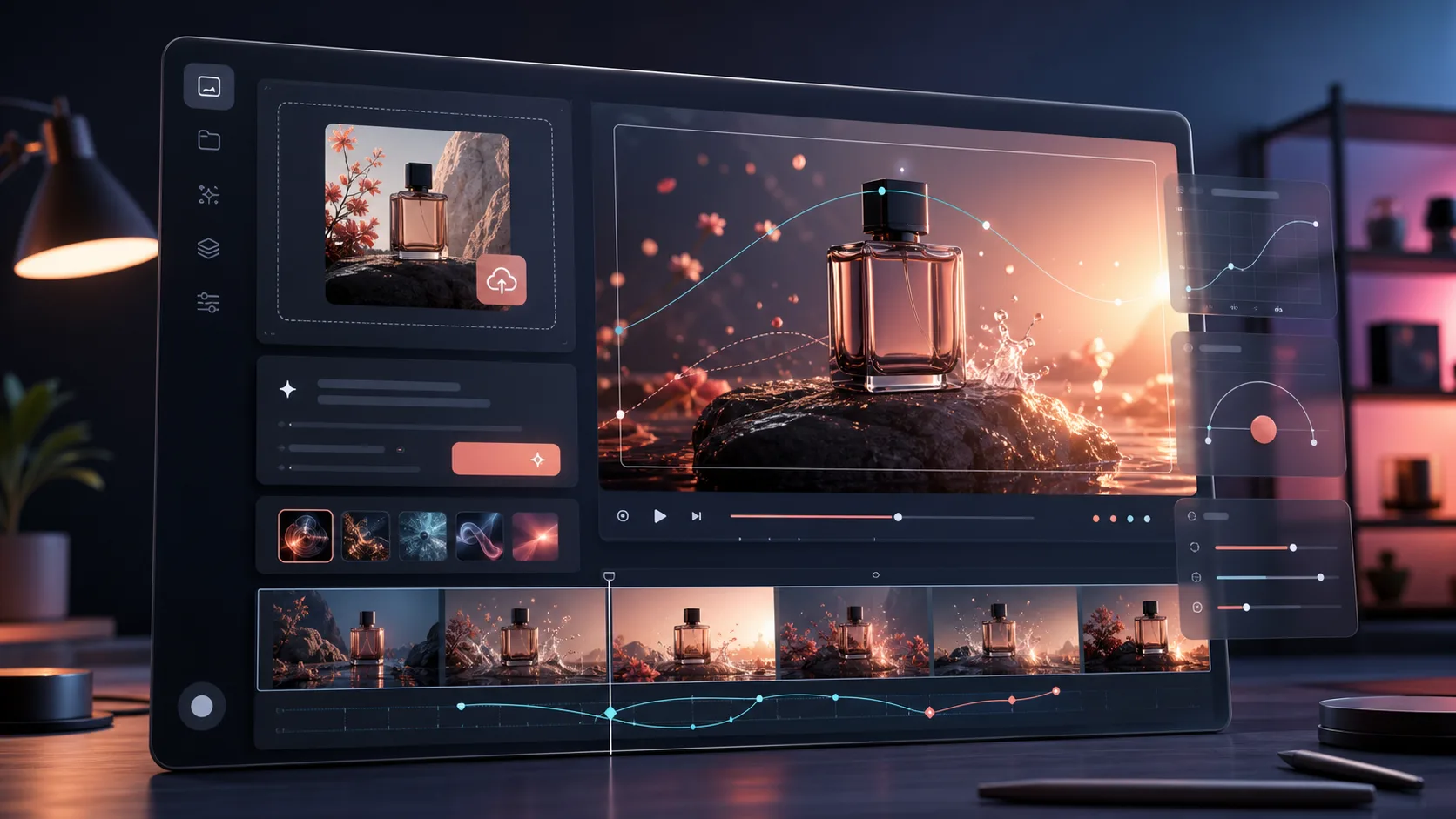
Control camera movement, product reveals, facial expression, background atmosphere, and ending pose with clear text direction.
Start from a real image so your product, person, character, or scene stays recognizable throughout the generated clip.
Create vertical clips for TikTok and Reels, square videos for feeds, and widescreen output for websites, decks, and YouTube.
Use credits, account login, HD output, and no-watermark paid plans to move from experimentation into repeatable production.
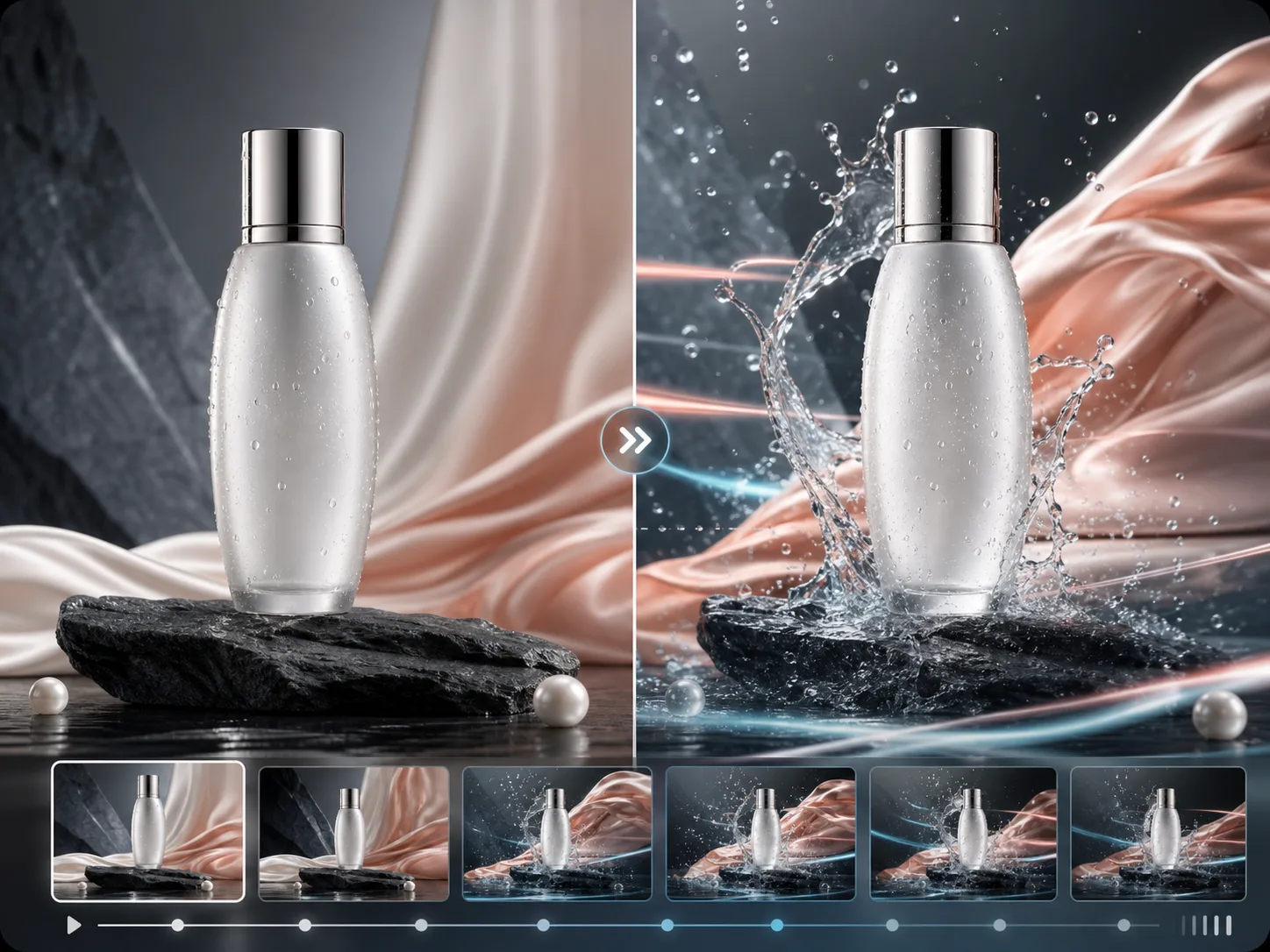
Turn a catalog image into a polished product clip with slow push-in motion, liquid movement, lighting sweeps, and stable labels.
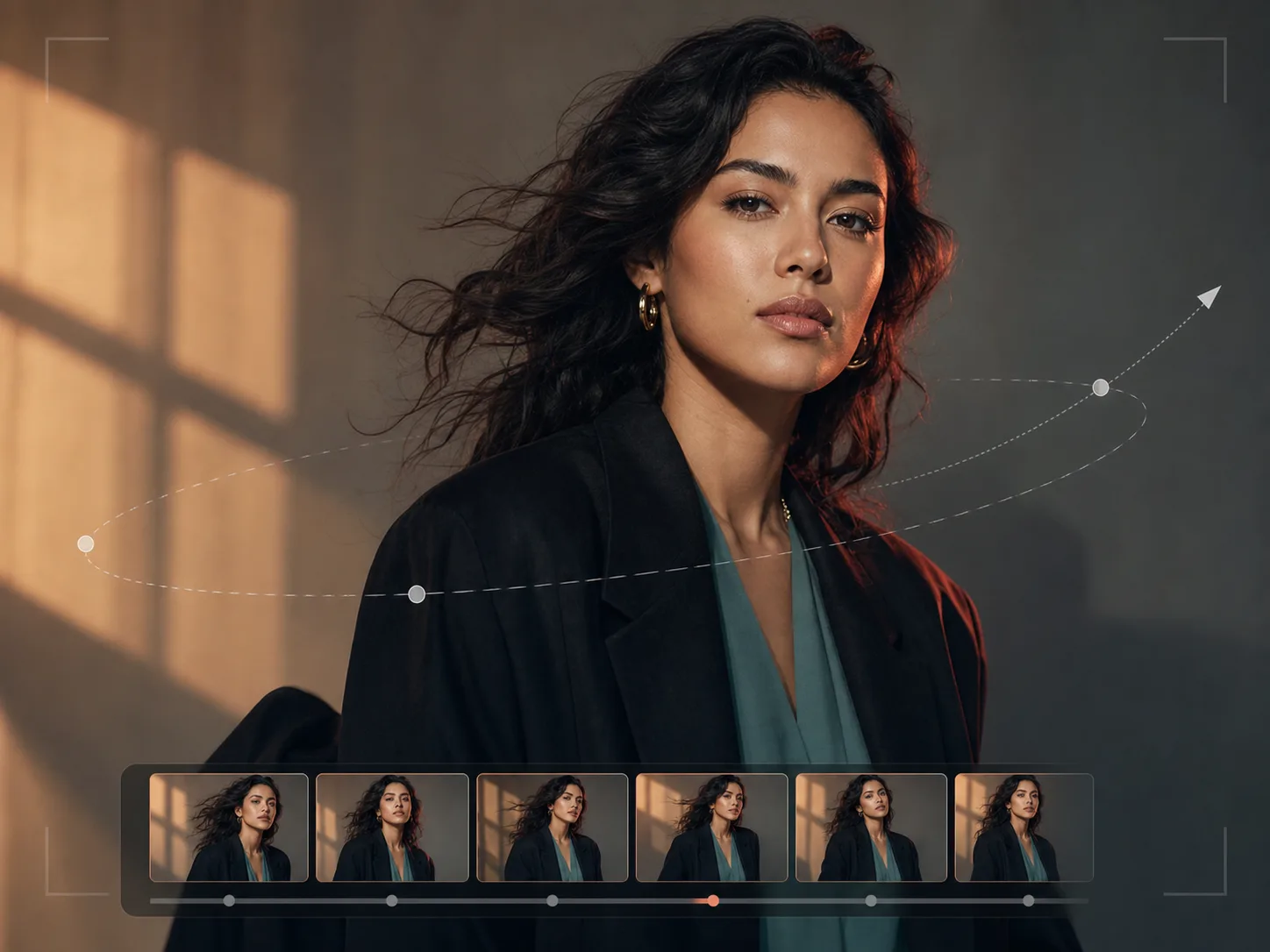
Animate profile images, fashion portraits, and character shots with subtle hair, fabric, and camera motion for social storytelling.
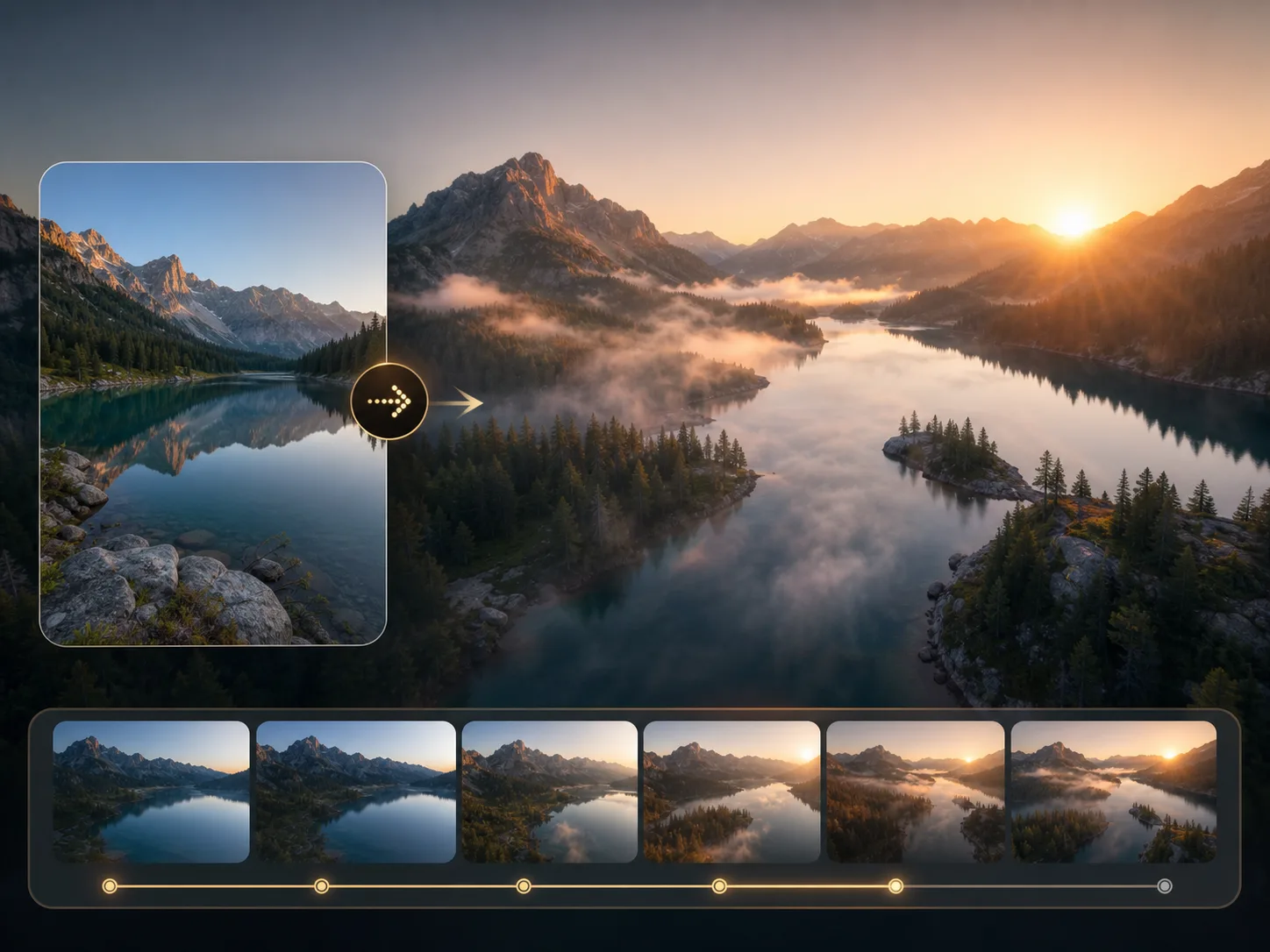
Transform landscapes, hotels, venues, and destination photos into cinematic clips with drifting mist, moving light, and gentle depth.
Use a sharp JPG, PNG, or WebP with a clear subject. Product shots, portraits, concept art, and lifestyle photos all work well.
Tell the AI what should move: camera push-in, product rotation, fabric movement, drifting light, background atmosphere, or a reveal moment.
Select 9:16 for TikTok, Reels, and Shorts, 1:1 for feed posts, or 16:9 for websites, YouTube, ads, and presentations.
Review the clip, keep the best prompt, and regenerate variants until you have a polished video ready for your campaign.
Great AI videos come from clear inputs. Image to Video gives you practical controls for duration, resolution, aspect ratio, motion style, and negative prompts so every generation starts with the right creative direction.
Use simple but specific motion prompts such as slow push-in, orbit camera, product reveal, light sweep, fabric movement, or loop-ready animation.
Call out the elements that matter: logo, label, face, hands, packaging edges, product reflections, clothing shape, or background consistency.
Create multiple clips from the same asset for paid ads, landing page loops, launch teasers, creator content, and client presentation options.
Video is now required across every channel, but production budgets rarely keep up. Image to Video helps teams reuse existing images to create more campaign assets, more ad variations, and more social clips without booking a shoot for every idea.
Create product-page loops, Shopify visuals, marketplace videos, launch teasers, and ad creatives from existing catalog photography.
Turn selfies, thumbnails, travel photos, pet images, and character art into short-form content that feels native to TikTok and Reels.
Pitch motion concepts, generate ad variations, prepare storyboards, and deliver faster creative options for client review.
"We turned our product photos into launch videos in an afternoon. It gave the paid team new creative without waiting on another shoot."
"The prompt controls make it easy to create several motion directions from the same asset. That is exactly what our ad testing workflow needed."
"Clients understand the idea faster when they can see it moving. We use it for campaign boards, social concepts, and product reveal options."
You can create short AI videos from product photos, portraits, lifestyle images, art, travel shots, pets, thumbnails, and campaign visuals. Common uses include ads, social posts, product loops, and pitch visuals.
No. Upload an image, write a short motion prompt, choose aspect ratio, duration, and resolution, then generate. You can refine the prompt if you want more control.
Use a clear image under 15 MB with a visible subject and clean lighting. Product images, portraits, full-body shots, and simple backgrounds usually generate the most stable videos.
Paid plans are designed for commercial workflows such as product pages, ads, creator content, and client campaigns. Review your plan terms and the source image rights before publishing.
Use a sharp source image and a specific prompt. Name the camera move, subject action, lighting, mood, and details that should stay stable, such as logos, faces, hands, and product labels.
Create product clips, social videos, ad variants, and launch visuals from the images you already have.
Generate AI video